Bridging the Gap: Onsite player with resources and live registrations
About the project:
The Challenge:
The Solution:
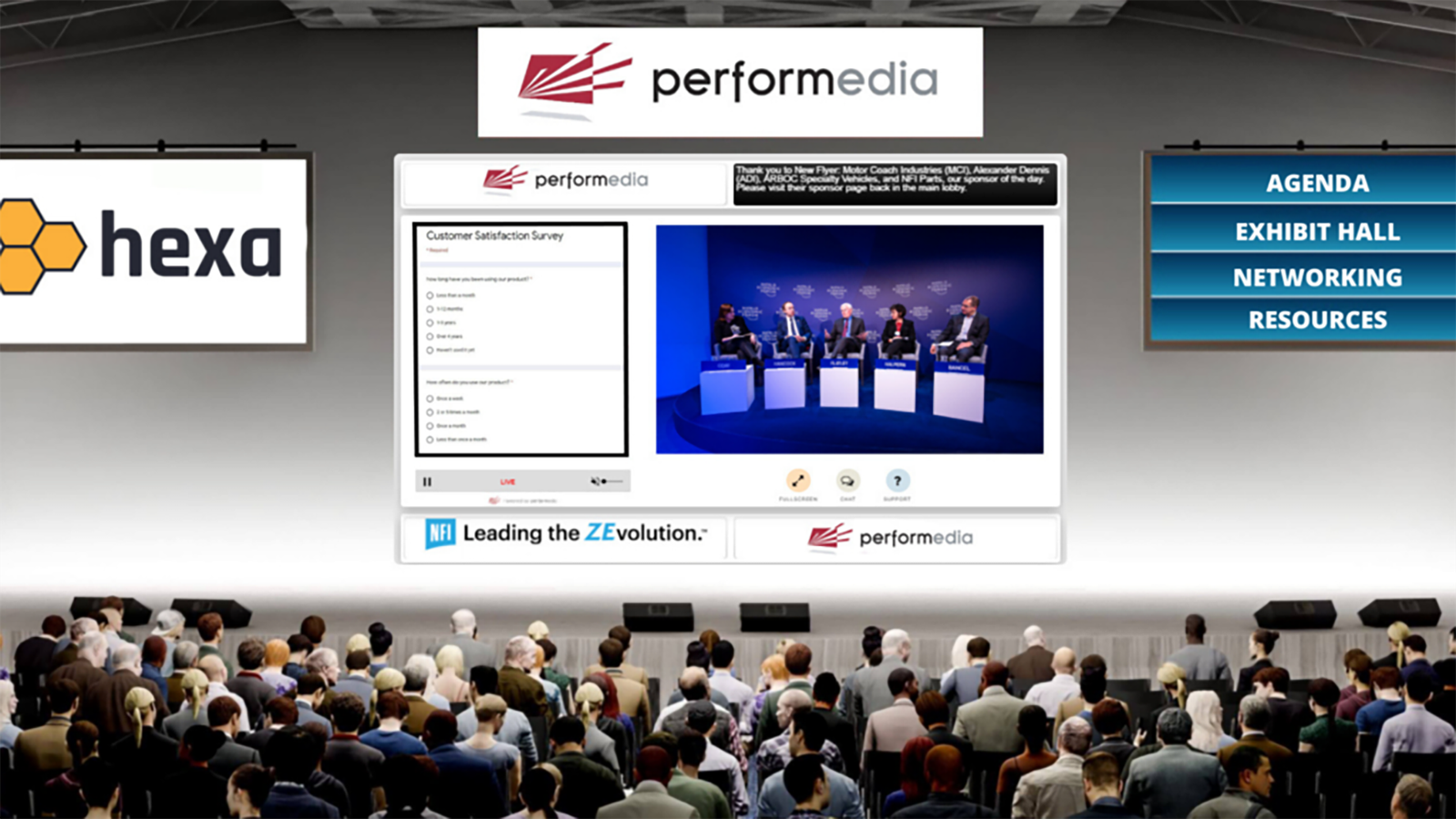
To address this issue, we decided to register all in-person and virtual attendees on our platform as well. They all received their unique login credentials for the web portal, allowing them to create their profile as an in-person or a virtual attendee. We decided to implement an onsite player with a dedicated “Resources” button. In-person attendees could access the player by scanning the QR code displayed onsite. The resources button, strategically placed on the onsite player, would be a direct link to the online portal, allowing in-person attendees to download the necessary resource files in real time.
The Implementation:
The development team swiftly worked on integrating the onsite player with the web portal. The “Resources” button was strategically positioned on the main dashboard, ensuring visibility for all attendees. Upon clicking the button, users were seamlessly redirected to the portal, where they could access and download the resource files without any hindrance.